
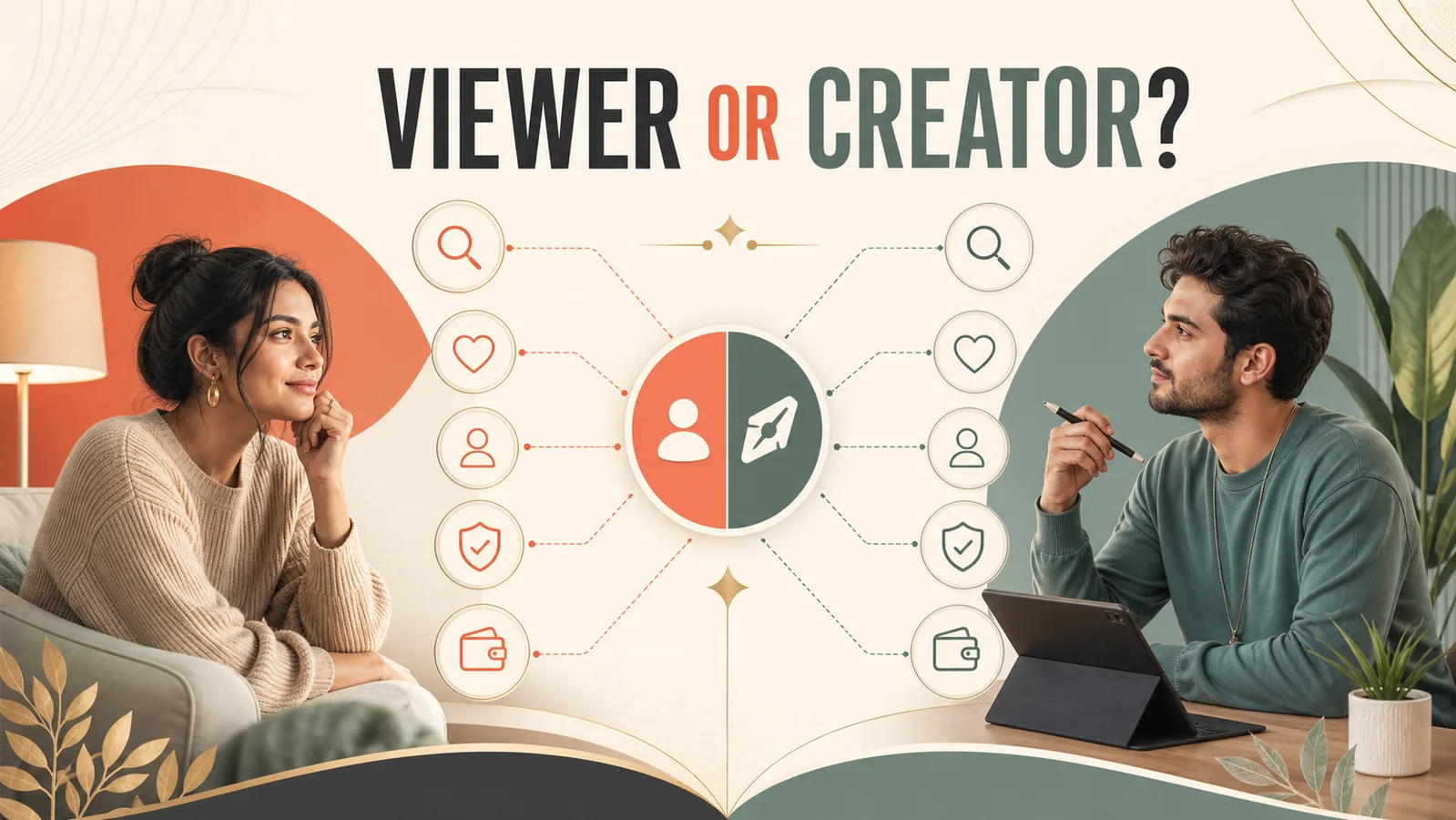
PK LIVE is easier to evaluate when its features are separated by job: watching, interacting, creating, account control and money-related activity. Not every feature is available to every account, and a visible button does not prove eligibility, price, reward value or withdrawal access. Use this guide as a map, then verify the exact screen and terms in your current app version.
A role-based PK LIVE feature map
| Feature area | Viewer job | Creator job |
|---|---|---|
| Discovery | Find rooms, categories and recurring hosts | Make the show promise easy to recognize |
| Live interaction | Chat, react or join approved activities | Guide participation and moderate boundaries |
| Profile and following | Return to preferred creators | Maintain a clear schedule and identity |
| Guest or collaboration tools | Understand who is part of the broadcast | Confirm consent, roles and removal controls |
| Wallet, gifts or rewards | Read prices and spending limits | Verify conversion, eligibility and settled records |
| Safety and account controls | Block, report and protect privacy | Moderate, document incidents and secure access |
This map prevents a common mistake: treating an entertainment feature, creator workflow and financial decision as if they carry the same risk.
Features viewers should verify
Before following a room or purchasing anything, check the host identity, room description, current price display, applicable terms and available report controls. Treat countdowns, gift animations and reward language as interface prompts, not evidence of value. Set a spending ceiling outside the app and stop when it is reached.
| Before you act | Evidence to use | Do not rely on |
|---|---|---|
| Join a room | Visible topic, host profile and recent activity | A promotional thumbnail alone |
| Send a gift | Current price and purchase terms | Animation or social pressure |
| Share personal details | Clear purpose and privacy controls | A host request in public chat |
| Report a problem | Official support or in-app report record | An unofficial agent message |
Features creators should verify
Creators need a different checklist: account eligibility, show category, guest consent, moderation tools, content rights, reward rules, withdrawal conditions and support channels. Save dated screenshots of terms and settled transactions, but never publish private dashboards or viewer information.

A practical first-session plan
Spend the first session learning the interface without purchasing or sharing sensitive details. Test following, blocking and reporting. Observe how room descriptions match actual content. If creating, run a short privacy-safe test with notifications hidden, a clean background, clear chat rules and no income claims.
What this guide cannot verify for your account
We cannot confirm private eligibility, campaign invitations, individual reward values, payment timing or account-specific restrictions. Those require current in-app terms or official support. When a feature is absent, do not use a third-party download, unofficial payment channel or borrowed account to bypass the restriction.
Safety and income note: Keep private documents, addresses, financial details and identifying background information out of a public broadcast. Use moderation and blocking tools early. If streaming produces compensation, retain dashboard records, contracts, invoices, expenses and settled-payment evidence; Philippine tax treatment depends on the creator’s circumstances and should be checked with a qualified professional.
How we reviewed this topic
We separated current public product information from promotional language, then converted each feature claim into a check a reader can repeat inside the app. Platform features, eligibility, pricing, reward rules and availability can change by account, device or location. Confirm the current in-app screen and terms before spending money, sharing personal information or planning creator income.
Editorial limit: We did not test private account tools, payout eligibility or unpublished moderation systems. We do not treat follower counts, gift values, campaign invitations or platform slogans as proof of stable income or audience growth.
Sources
Related PK LIVE guides
- PK LIVE platform guides
- Live-streaming production guides
- 30-day streamer setup and safety plan
- Streamer revenue, cost and record-keeping guide
Reviewed 11 July 2026. Features and eligibility may change by account and app version.